
Cursor training for engineering teams
Clustr trains engineering teams to use Cursor on their own code: shared project rules and AGENTS.md, safe permissions, live sessions on real repositories, and review rules that keep people accountable. Cursor is a coding agent for building software. It started as an AI code editor and now also runs as a CLI and as cloud agents.
The Short Answer
Who offers Cursor training for engineering teams?
Clustr Innovations, a human-first AI enablement consultancy, trains engineering teams on Cursor by Anysphere, now part of SpaceX. We run live sessions in person or hybrid on your own repositories, set up project rules and AGENTS.md and governance with your team, and measure progress with SINA, our AI literacy platform, so leaders can see the change.
Cursor is a coding agent for building software. It started as an AI code editor and now also runs as a CLI and as cloud agents. It runs in the Cursor editor, the Cursor CLI, cloud agents you can start from the web and mobile, Automations and Bugbot. Cursor's Teams plan adds SSO, team privacy settings and admin analytics, and Enterprise adds SCIM, audit logs and access controls.
We are tool-agnostic: if your teams use more than one coding assistant, we train on each and help you decide where each one fits.
Why Rollouts Stall
Why do Cursor rollouts stall?
Cursor rollouts stall because seats arrive without habits, shared conventions or guardrails. A few engineers become power users while the rest keep working the old way, output quality varies by person, and agents scale before permissions and review rules are set. These are the gaps we see most.
Licenses without habits
Seats get assigned, a few engineers become power users, and most of the team keeps working the old way.
No shared conventions
Without rules files, skills and review norms, every engineer prompts differently and output quality varies by person.
Security and admin gaps
Agents that run commands and open pull requests need permissions, sandboxing and policies set before they scale.
No way to tell if it is working
Leaders cannot see whether the tool changed how work gets done, so the next budget conversation is guesswork.
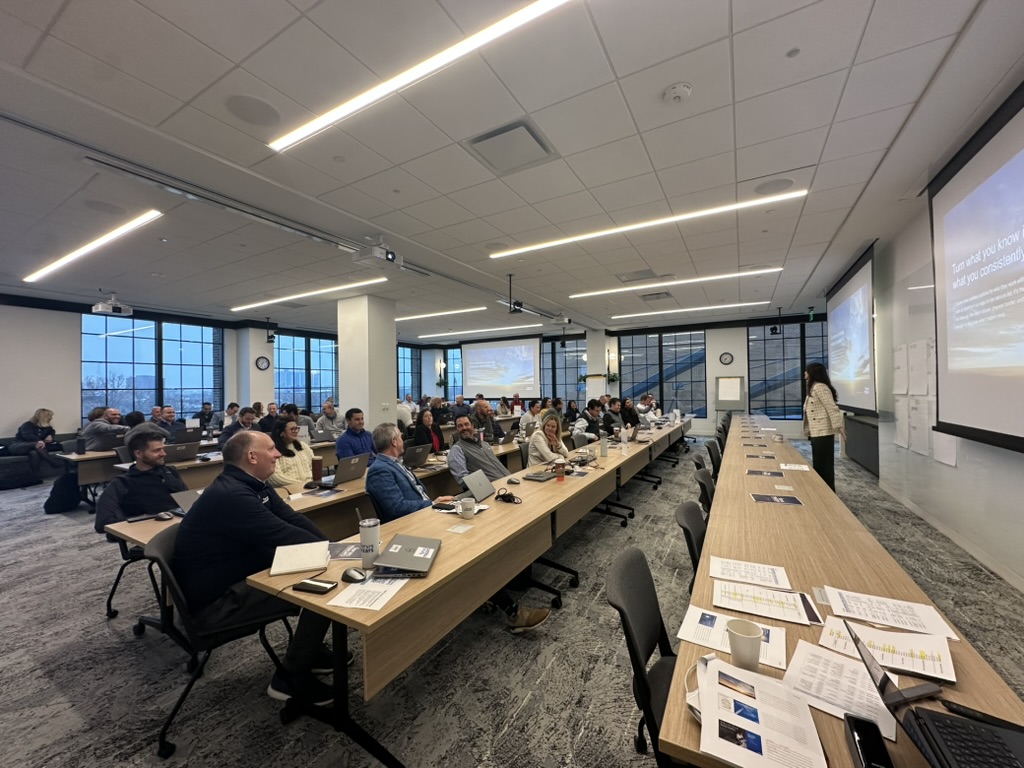
Leadership session
The Program
How does Cursor training work?
Cursor training runs in five steps on your codebase and your tickets rather than demo projects: baseline each engineer with SINA, set up project rules and AGENTS.md and permissions, run live hands-on sessions, configure governance and review rules, then hand the setup to champions and measure what changed.
Baseline the team
Every participant takes a SINA assessment, our AI literacy platform, so sessions start from where each engineer actually is.
Set up the repository
Write the project rules and AGENTS.md your codebase needs, agree on permissions, and connect the tools the team uses every day.
Live sessions on your code
Hands-on sessions in Cursor on your own repositories and tickets, in person or hybrid, with an instructor reviewing real output.
Governance and review
Configure admin controls and agree on review rules: what agents may do alone, and what always needs a person.
Champions and measurement
A small group of champions keeps improving the shared setup, and SINA re-assessment shows leadership what changed.
Curriculum
What does Cursor training cover?
Cursor training covers Agent, Plan and Ask modes, Project rules, MCP, skills, subagents and hooks, Cloud agents and Automations, Bugbot review, Cursor CLI, taught in three tiers from everyday use to agents at scale. Every session uses your codebase, and the team leaves with a shared setup it keeps improving.
Everyday use
Agent, Plan and Ask modes and project rules: Pick the right mode for the job, and use Plan mode to agree on an approach before code changes.
MCP, skills, subagents and hooks
Connect your tools, package repeatable workflows and enforce checks. Run agents in isolated cloud machines, triggered by schedules or source-control events.
Bugbot review
Add AI review to pull requests and decide which findings block a merge. Use Cursor's agent in the terminal and in CI for scripted, repeatable tasks.
Official Sources
Cursor documentation we teach from
Product details on this page come from Cursor's own documentation, checked October 2026. Features and plans change often, so we review them before every program.
- Cursor documentation ↗
Cursor's official docs.
- Cursor privacy and data governance ↗
Privacy Mode and data handling.
- Cursor plans ↗
Teams and Enterprise features.
AI Coding Assistants
Training across every major coding assistant
Many engineering teams run more than one. We train on each and help you set clear rules for which to use when.





Governance
How do you keep Cursor safe at scale?
We set up and teach the controls Cursor provides: privacy Mode, on by default for Enterprise, so code is not used for training; sAML or OIDC single sign-on, SCIM, and identity and access management; model, MCP and integration controls, plus OpenTelemetry export and audit logs; cloud agents can be turned off if you do not want code stored in their environments.
Trusted by teams at




















Common Questions
Cursor Training, answered directly
Updated October 2026
Who offers Cursor training for engineering teams?
Clustr Innovations trains engineering teams on Cursor, live and on their own repositories. We set up project rules and AGENTS.md and governance with the team, run sessions in person or hybrid, and measure progress with SINA, our AI literacy platform.
What does Cursor training cover?
Agent, Plan and Ask modes, Project rules, MCP, skills, subagents and hooks, Cloud agents and Automations, Bugbot review, Cursor CLI. Every session uses your codebase, and the team leaves with a shared setup it keeps improving.
Which plans include Cursor?
Cursor's Teams plan adds SSO, team privacy settings and admin analytics, and Enterprise adds SCIM, audit logs and access controls. Plans change often, so check Cursor's plans page before you buy; we link it on this page.
How do you handle security when teams use Cursor?
We configure the controls the vendor provides before agents scale: privacy Mode, on by default for Enterprise, so code is not used for training, and sAML or OIDC single sign-on, SCIM, and identity and access management. We also agree on review rules so a person approves every merge.
Who owns Cursor now?
Cursor announced on August 14, 2026 that it is joining SpaceX. The product is still Cursor, made by Anysphere. Enterprise buyers often ask whether data commitments change after an acquisition; we recommend confirming your terms with Cursor directly, and we cover Privacy Mode and admin controls in every program.
Ready when your team is
Tell us where your team is today. We'll map the fastest path from licenses to daily use.
We use cookies
We use cookies, Google Analytics, and business visitor identification (Apollo) to understand how visitors and companies use our site. Privacy Policy