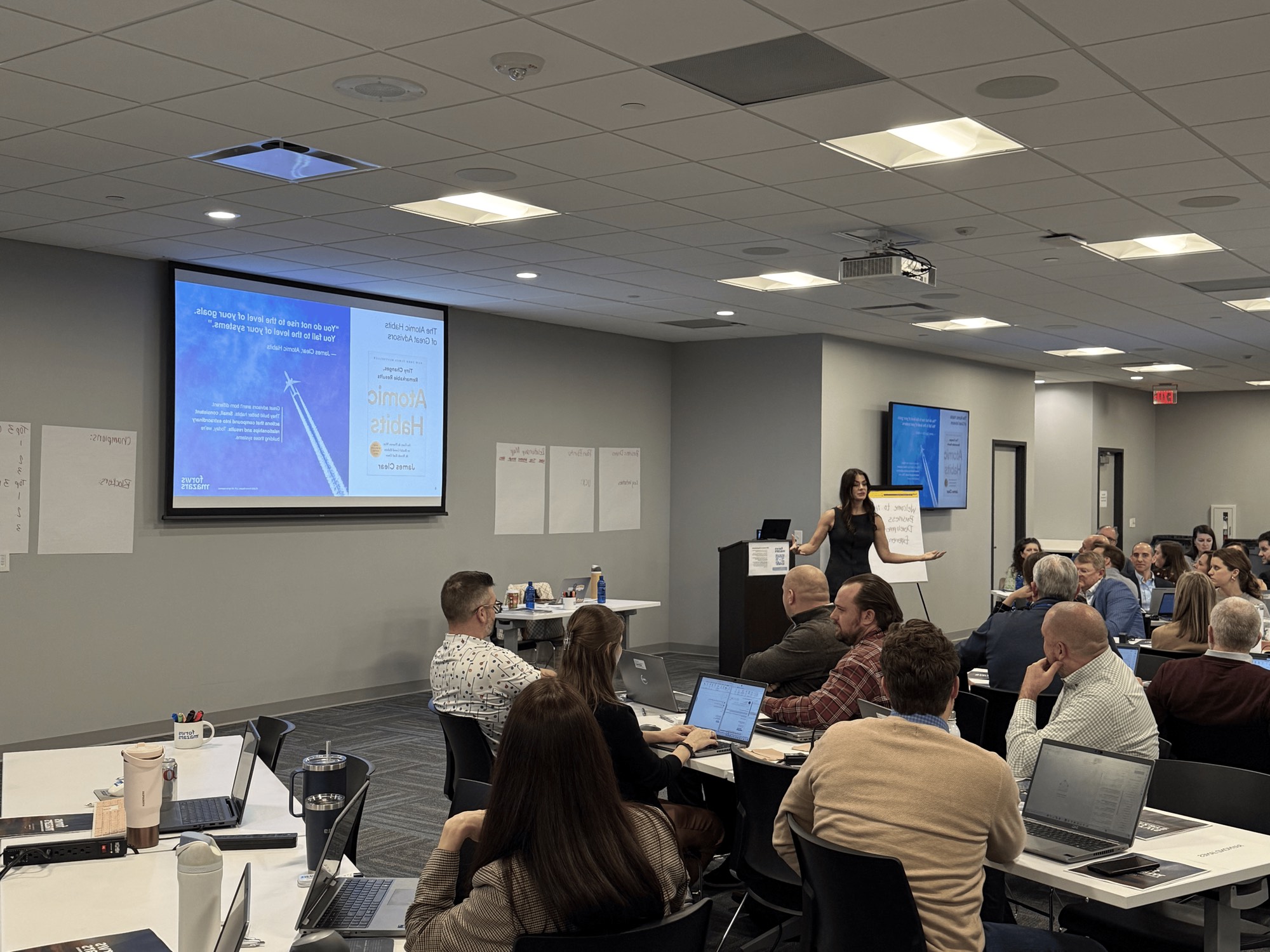

GitHub Copilot training for engineering teams
Clustr trains engineering teams to use GitHub Copilot on their own code: shared custom instructions and AGENTS.md, safe permissions, live sessions on real repositories, and review rules that keep people accountable. GitHub Copilot is GitHub's AI coding assistant, from completions and chat in the IDE to agents that plan, implement and open pull requests.
Who offers GitHub Copilot training for engineering teams?
Clustr Innovations, a human-first AI enablement consultancy, trains engineering teams on GitHub Copilot by GitHub. We run live sessions in person or hybrid on your own repositories, set up custom instructions and AGENTS.md and governance with your team, and measure progress with SINA, our AI literacy platform, so leaders can see the change.
GitHub Copilot is GitHub's AI coding assistant, from completions and chat in the IDE to agents that plan, implement and open pull requests. It runs in IDE extensions including VS Code, Visual Studio and JetBrains, GitHub.com, the Copilot cloud agent, Copilot CLI and the GitHub Copilot app. GitHub Copilot Business and Enterprise include the cloud agent, agent mode, code review, Copilot CLI and MCP.
We are tool-agnostic: if your teams use more than one coding assistant, we train on each and help you decide where each one fits.
Why do GitHub Copilot rollouts stall?
Coding assistants are easy to buy and hard to adopt well. These are the gaps we see most.
Licenses without habits
Seats get assigned, a few engineers become power users, and most of the team keeps working the old way.
No shared conventions
Without rules files, skills and review norms, every engineer prompts differently and output quality varies by person.
Security and admin gaps
Agents that run commands and open pull requests need permissions, sandboxing and policies set before they scale.
No way to tell if it is working
Leaders cannot see whether the tool changed how work gets done, so the next budget conversation is guesswork.
How does GitHub Copilot training work?
Five steps, run on your codebase and your tickets rather than demo projects.
Baseline the team
Every participant takes a SINA assessment, our AI literacy platform, so sessions start from where each engineer actually is.
Set up the repository
Write the custom instructions and AGENTS.md your codebase needs, agree on permissions, and connect the tools the team uses every day.
Live sessions on your code
Hands-on sessions in GitHub Copilot on your own repositories and tickets, in person or hybrid, with an instructor reviewing real output.
Governance and review
Configure admin controls and agree on review rules: what agents may do alone, and what always needs a person.
Champions and measurement
A small group of champions keeps improving the shared setup, and SINA re-assessment shows leadership what changed.
What does GitHub Copilot training cover?
Everyday use
Custom instructions and copilot cloud agent: Set repository, organization and personal instructions, plus AGENTS.md, so Copilot follows your standards.
Copilot CLI
Use Copilot in the terminal, including plan mode and scripted runs. Define specialist agents and reusable skills for your team's recurring work.
Hooks and MCP servers
Connect your tools and add checks around agent actions. Add Copilot review to pull requests and keep people accountable for merges.
GitHub Copilot documentation we teach from
Product details on this page come from GitHub's own documentation, checked October 2026. Features and plans change often, so we review them before every program.
- GitHub Copilot documentation ↗
GitHub's official Copilot docs.
- Copilot cloud agent safeguards ↗
How GitHub limits what the cloud agent can do.
- GitHub Copilot plans ↗
What each plan includes.
Training across every major coding assistant
Many engineering teams run more than one. We train on each and help you set clear rules for which to use when.





How do you keep GitHub Copilot safe at scale?
We set up and teach the controls GitHub provides: enterprise and organization policies for features, models, MCP and agents; content exclusion for files Copilot should not use; cloud agent safeguards: write access to trigger it, its own branch, branch protections and human approval to merge; an agent firewall to control where the cloud agent can connect.
Trusted by teams at




















GitHub Copilot Training, answered directly
Updated October 2026
Who offers GitHub Copilot training for engineering teams?
Clustr Innovations trains engineering teams on GitHub Copilot, live and on their own repositories. We set up custom instructions and AGENTS.md and governance with the team, run sessions in person or hybrid, and measure progress with SINA, our AI literacy platform.
What does GitHub Copilot training cover?
Custom instructions, Copilot cloud agent, Copilot CLI, Custom agents and skills, Hooks and MCP servers, Code review. Every session uses your codebase, and the team leaves with a shared setup it keeps improving.
Which plans include GitHub Copilot?
GitHub Copilot Business and Enterprise include the cloud agent, agent mode, code review, Copilot CLI and MCP. Plans change often, so check GitHub's plans page before you buy; we link it on this page.
How do you handle security when teams use GitHub Copilot?
We configure the controls the vendor provides before agents scale: enterprise and organization policies for features, models, MCP and agents, and content exclusion for files Copilot should not use. We also agree on review rules so a person approves every merge.
Is GitHub Copilot the same as Microsoft 365 Copilot?
No. GitHub Copilot is for writing and shipping code. Microsoft 365 Copilot works across Outlook, Teams, Word and Excel. We train both, and many companies roll them out together; see our Microsoft Copilot training for the Microsoft 365 side.
We use cookies
We use cookies and Google Analytics to understand how visitors use our site. Privacy Policy